
Services
Two platforms, one team, no handover.
We build the app, the service behind it, and the store listing in front of it — then we keep all three current. Below is the detail, including the work we send elsewhere.
iOS and iPadOS
Swift, and SwiftUI unless a particular screen argues for UIKit. We build against the current SDK and support the two most recent major versions of iOS: far enough back to cover nearly every device still in daily use, recent enough that we are not spending the week on compatibility branches.
Purchases go through StoreKit 2 with a server checking every receipt, so a refund or a lapsed renewal shows up the same day instead of at the end of the month. Offline behaviour is decided up front rather than discovered in the field — storage is local first, and sync happens when there is a network.
- SwiftUI and UIKit on the current SDK, back-compatible two major versions
- StoreKit 2 subscriptions with server-side receipt validation
- Local-first storage, background sync, CloudKit where it genuinely fits
- Dynamic Type, VoiceOver and reduced-motion support built in as we go
- String catalogues from the first screen, so translation is not a rewrite
- Widgets, App Intents and notifications only where they earn their place
Android
Kotlin with Jetpack Compose. The minimum SDK comes from your own install numbers, not from an article about what everyone else supports. Subscriptions run on Play Billing, again with a server verifying the purchase rather than trusting the client.
Releases go out as staged rollouts, so a bad build reaches five per cent of your users and gets halted, instead of reaching all of them and getting a one-star review. We test on inexpensive hardware as well as the newest Pixel, because that is where jank and battery complaints actually come from.
- Kotlin, Jetpack Compose, Material 3 with your own type and colour
- Play Billing with server-side verification and entitlement checks
- Staged rollouts, separate tracks, honest release notes
- Background work that survives aggressive OEM battery managers
- Tested on low-end devices, not only on the flagship in the drawer
The parts users never see
Accounts, sync, push, subscription state, and the internal page your support person needs at eight in the morning. We keep these small and dull: Postgres, plain HTTP, deployments that a single person can explain from memory.
Everything can run in your own cloud account. If we stop working together, you keep the database, the repository and the deploy scripts, and the API documentation is written for someone who has never met us.
- Accounts, sign-in, device sync and conflict handling
- Push through APNs and FCM, with delivery you can audit
- Subscription state, refunds and entitlements in one place
- Admin tools your support staff can use without a developer
- Data export and account deletion, as both stores now require
- Hosted in your account, with documentation you can hand to anyone
Getting it out, and keeping it out
App Store Connect and Play Console are their own small trade: privacy manifests, data-safety disclosures, age ratings, export compliance, screenshots at the right pixel sizes. Rejections happen to everyone. What matters is reading the actual guideline that was cited and answering it in one reply instead of five.
After launch we prefer a standing arrangement rather than emergencies. Crash reports get read weekly by a named person. Dependencies get updated before they turn into a forced migration. And when the new iOS and Android betas arrive in June, a compatible build is ready well before your users update in September.
- Store listing copy, screenshots and preview video
- Privacy manifests, data-safety forms, age ratings, export compliance
- Review responses and appeals, written by whoever knows the code
- Weekly crash triage with an owner, not a shared inbox
- SDK and dependency updates on a schedule
- Yearly OS compatibility pass during the summer beta window
How a project usually goes.
-
01
A call, then one page in writing
Thirty minutes on a call, then a short written scope with a fixed price for the first phase. If our understanding is wrong, it is cheaper for both of us to find that out on one page than in month three.
-
02
Design in the app, not in a deck
Key screens go straight into a running build. Judging a layout on your own phone, with your own data in it, tells you more in a minute than a presentation does in an hour.
-
03
Two-week slices
Each one ends with something you can install through TestFlight or an internal Play track, plus a plain note on what changed and what is next. No demo days, no status theatre.
-
04
Submit, then stay near the phone
Launch week is not a celebration; someone is on call. First reviews and first crash reports arrive together, and the fixes go out in days rather than at the next milestone.
A product system, not just a collection of screens.
These interfaces are illustrative concept work. They show the level of coherence we aim for across product, platform and operations; they are not client products.
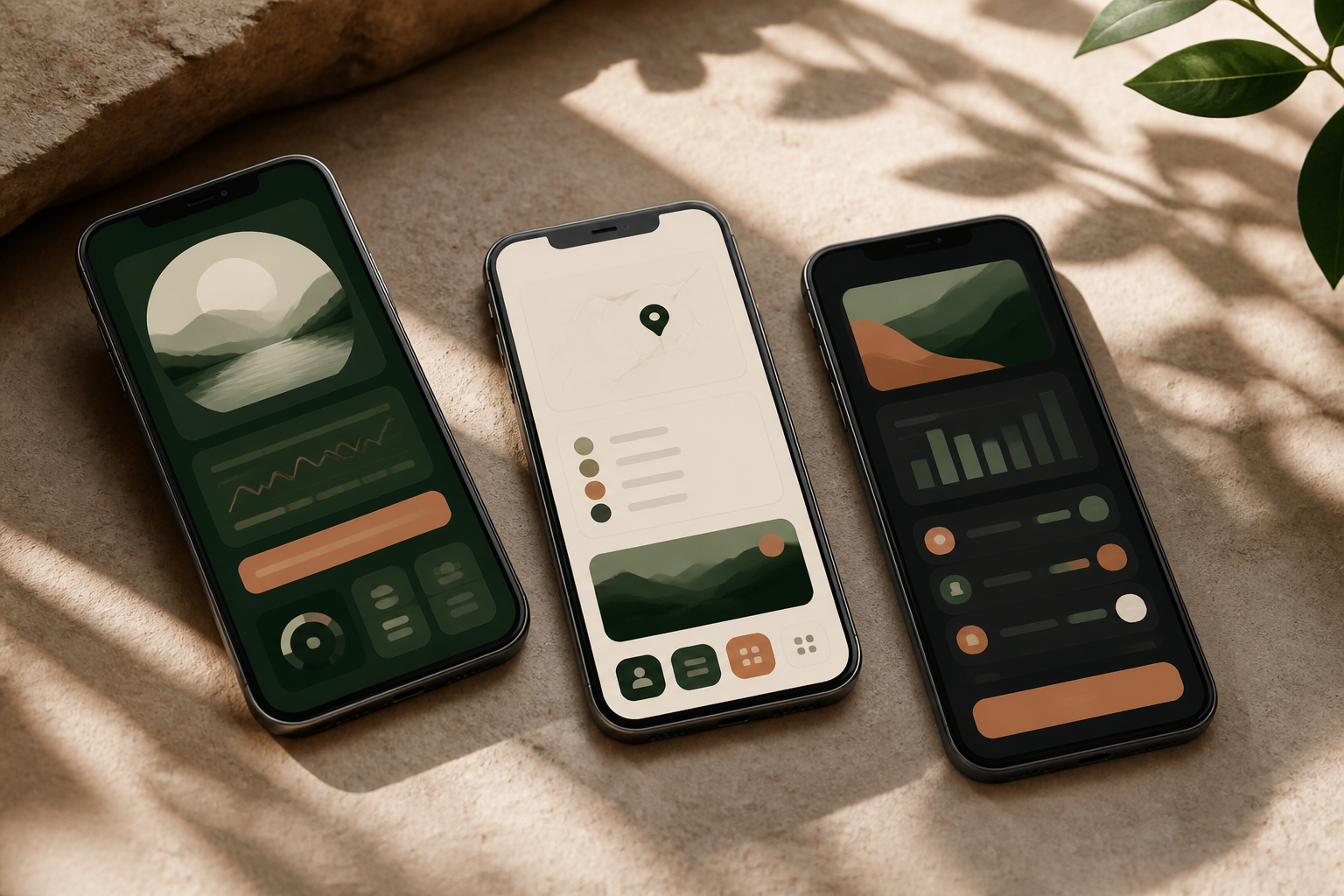
Illustrative concept interfaces.
What we turn down.
Heavy 3D games, anything on-chain, growth built on ad arbitrage, and rescue jobs where we are asked to fix a codebase but not allowed to change it. We are not good at those, and pretending otherwise costs you a quarter.
We also do not white-label another studio's work as our own. If a project needs a specialist, we will say so on the first call and point you at one.
Send us the version you have in your head.
Rough is fine. One paragraph about what it should do, and who it is for, is enough to start.